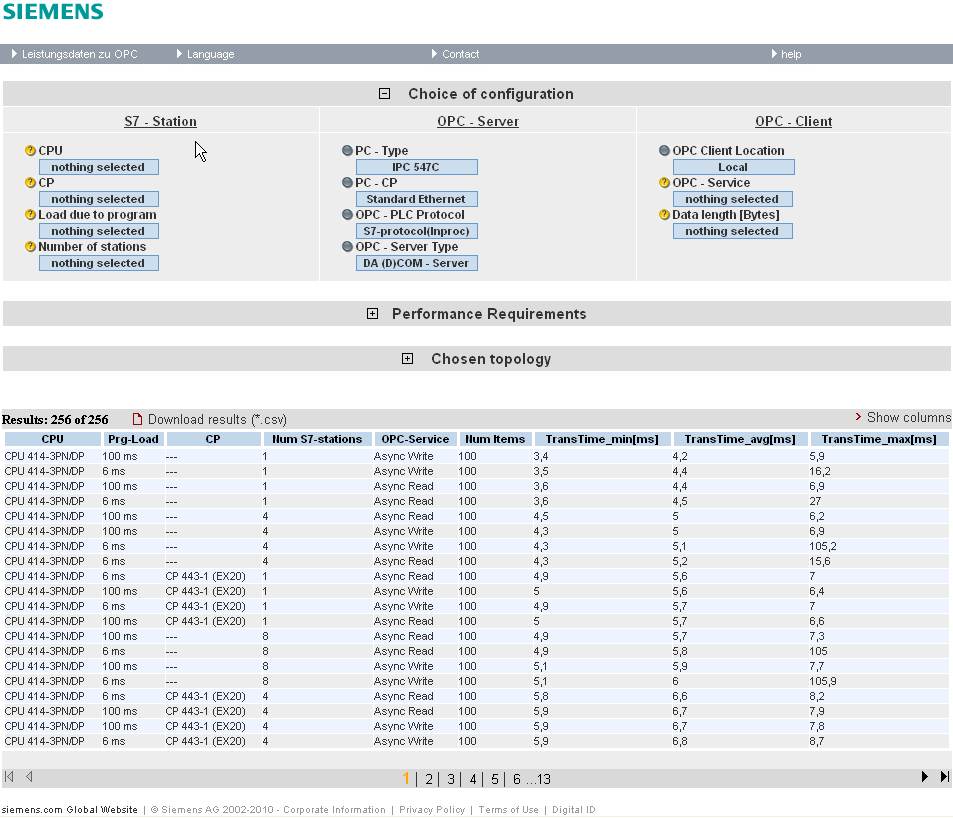
When calling the web application for the first time, the status of the application is as follows:
HMI screen
Selection area and performance data table are always visible. The performance requirements area and the selected configuration area are hidden.
Description of the menu items
The figure below shows the menu bar of the web application.

| Menu item | Description |
|---|---|
|
Performance data on communication via OPC
|
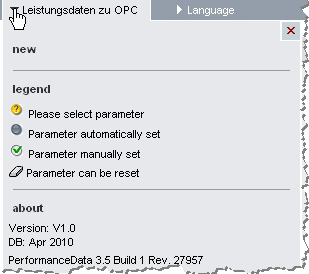
Click the Performance data communication via OPC menu item to open a dialog which
|
| Language | The languages German, Spanish, French, Italian and Chinese have been implemented in the user interface. |
| Contact | Links for the Online Support |
| help | Calling these help pages |
To query the performance data for a specific configuration please proceed as described in the following pages.